Getting Started
Welcome to Times Table Challenge! You will be greeted with the main screen, which displays three buttons: Start, Sound, and Options.
Main Screen
The main screen provides access to essential functions:
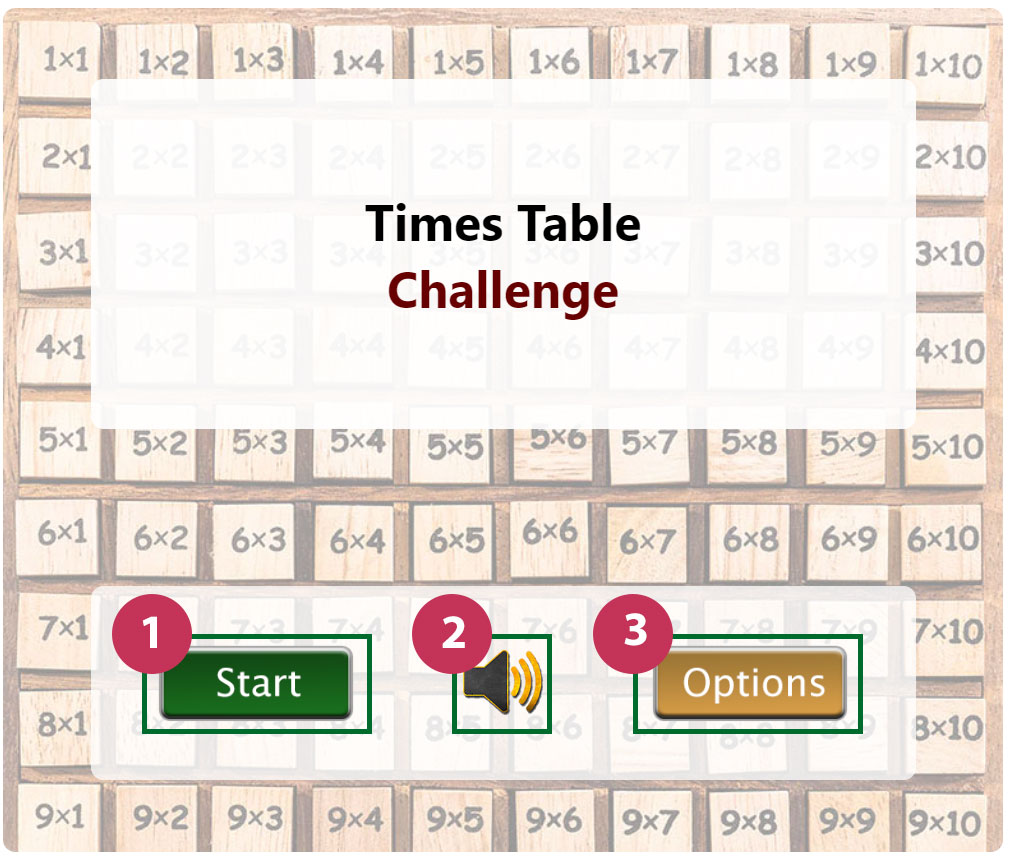
- Start [1]: Tap this button to begin the game.
- Sound [2]: Toggle the sound on or off using this button.
- Options [3]: Customize game settings, including numbers to be asked and time limits.
Options Menu
In the Options menu, you can configure various game settings:
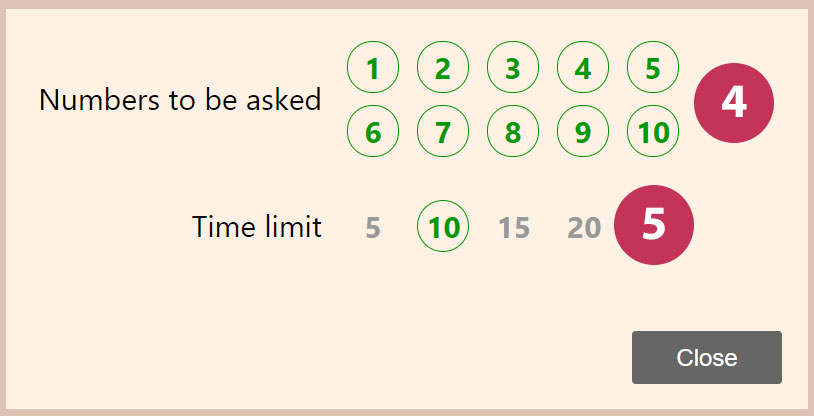
- Numbers to be Asked [4]: Choose which multiplication tables to include in the game.
- Time Limit [5]: Set a time limit for each round to add an element of challenge.
Gameplay
During gameplay, follow these steps:
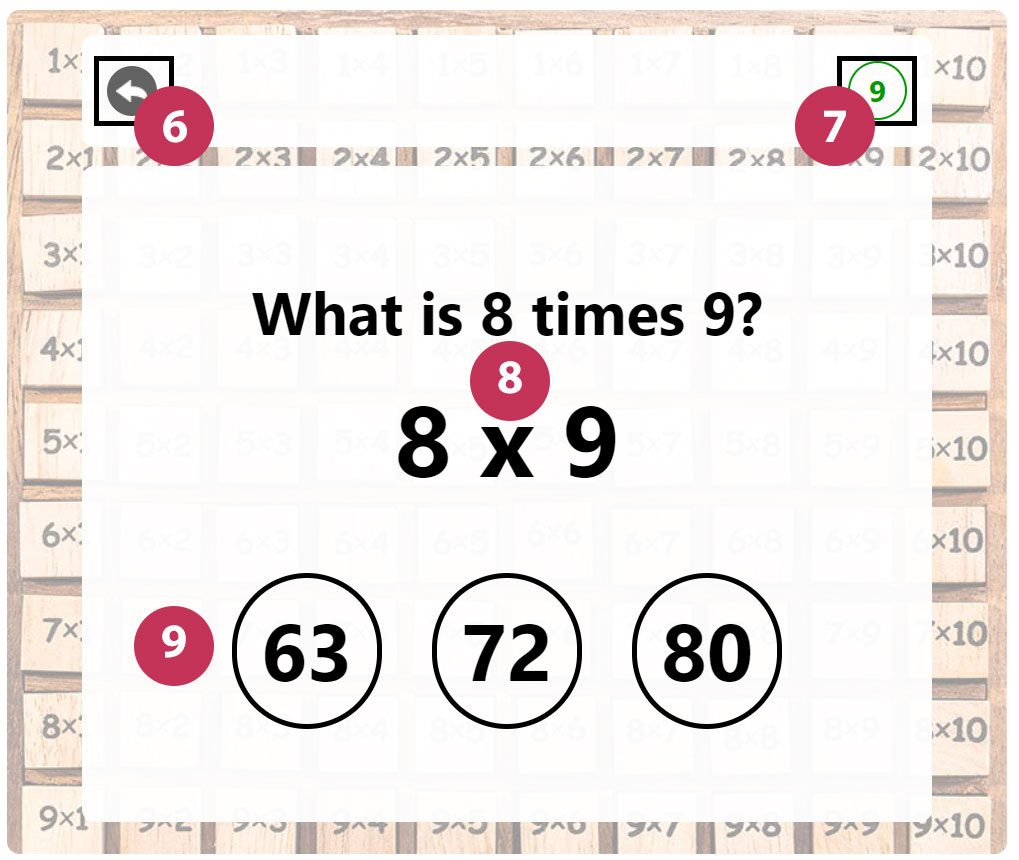
- Press Start to initiate a new round.
- A multiplication question will appear with three answer choices [8].
- Select the correct answer to proceed to the next round [9].
Ending the Game
If you run out of time [7] or select the wrong answer, the game will end. You will have the option to play again or exit. You can click go back [6] button whenever you want to quit the game.